
Usage
Create New Content
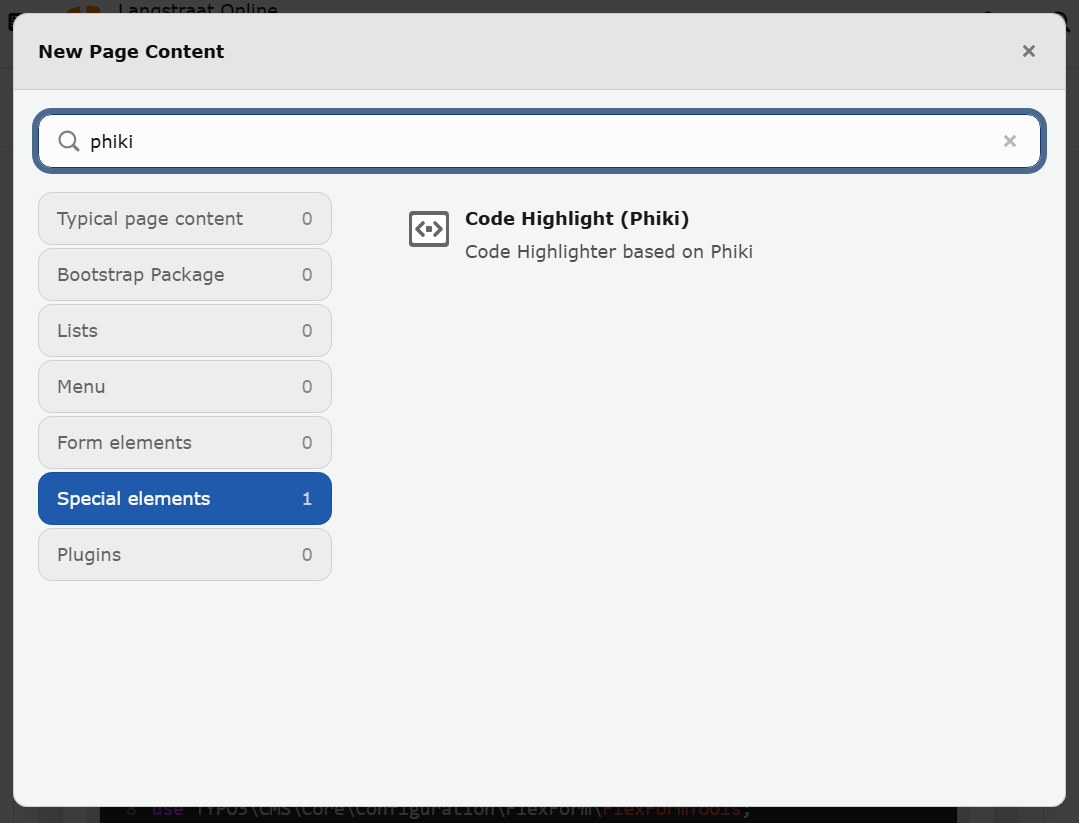
Create New Content
To use the extension, insert the plugin via the content element wizard. Using a headline or any other field is optional.
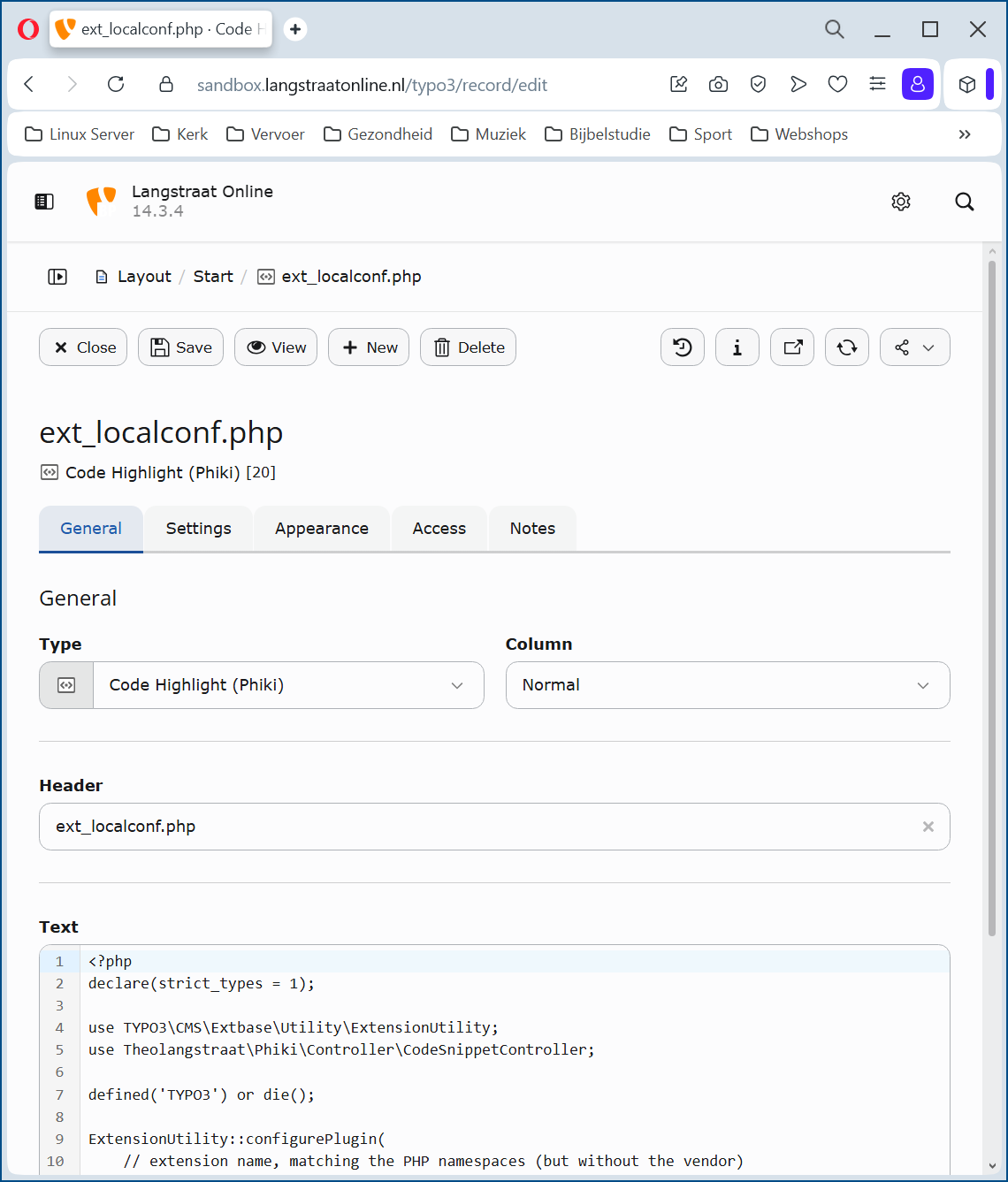
Create New Content – General
Programming languages and themes
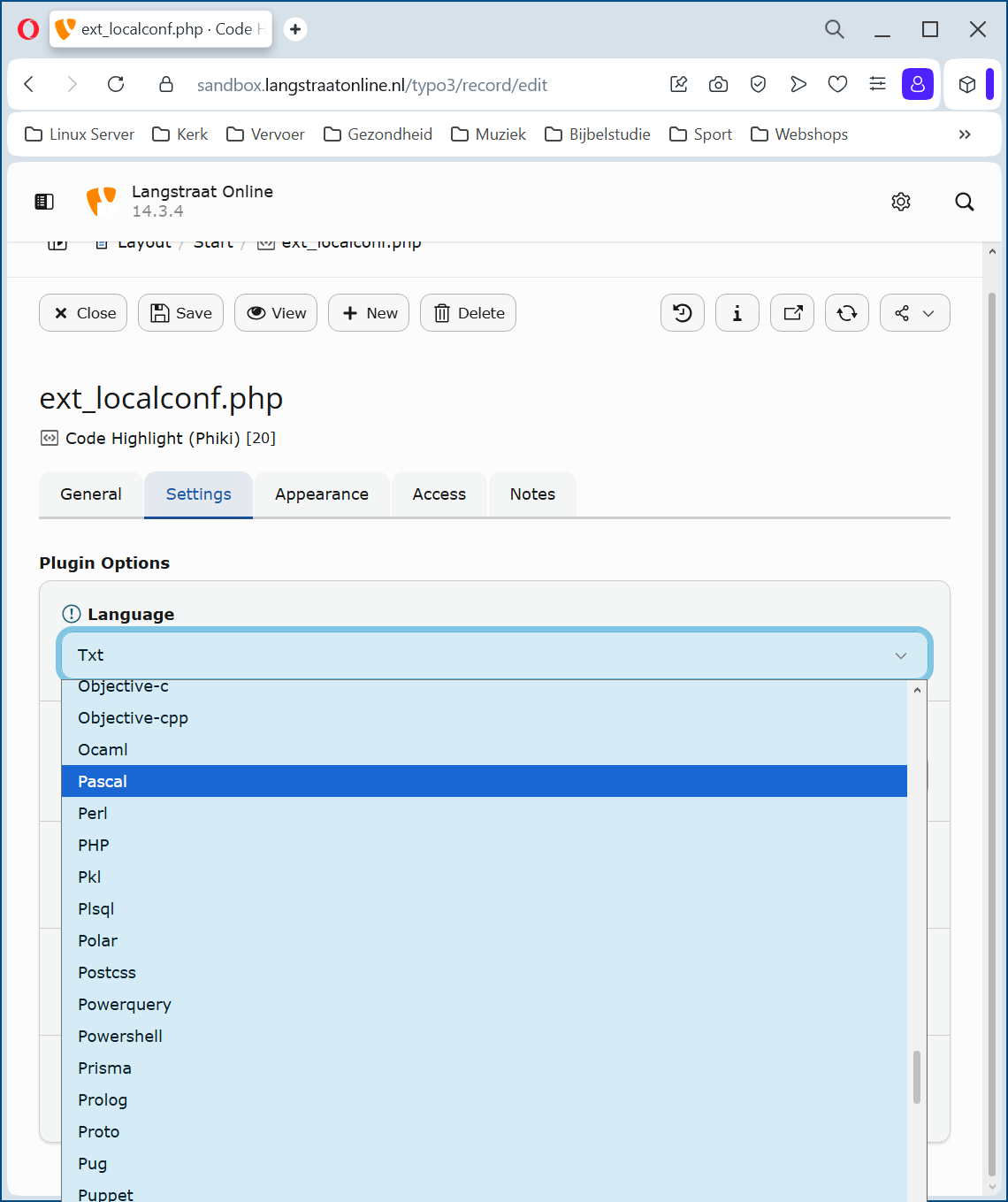
Create New Content – Configuration → Languages
Phiki Configuration
The Phiki extension supports both local and global configuration options.
Local Settings
Local settings can be defined per content element. This allows you to fine‑tune the behavior of individual elements based on their specific purpose or content.
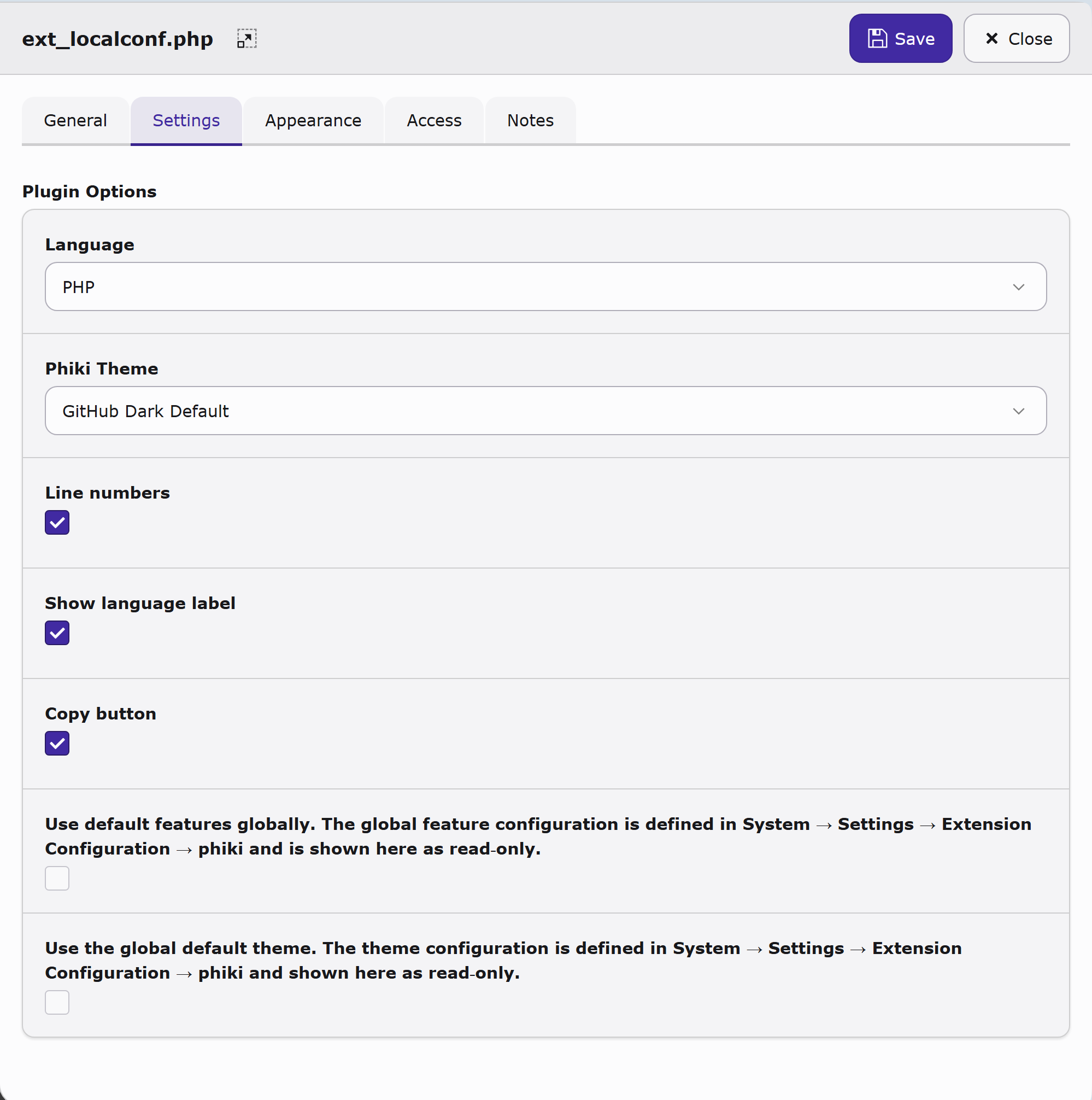
Create New Content – Configuration → Settings
Language: Select the programming language to be highlighted
Phiki Theme: Select the desired theme.
Linenumbers: Adds a linenumber in front of eache line of code.
Show language label: Shows the selected language in the header of the content element.
Copy button: Shows a copy button in the header of the content element.
Global Settings
Global settings are managed centrally via:
System -> Settings -> Extension Configuration -> Phiki
These settings control the overall behavior of the Phiki extension across the entire system.
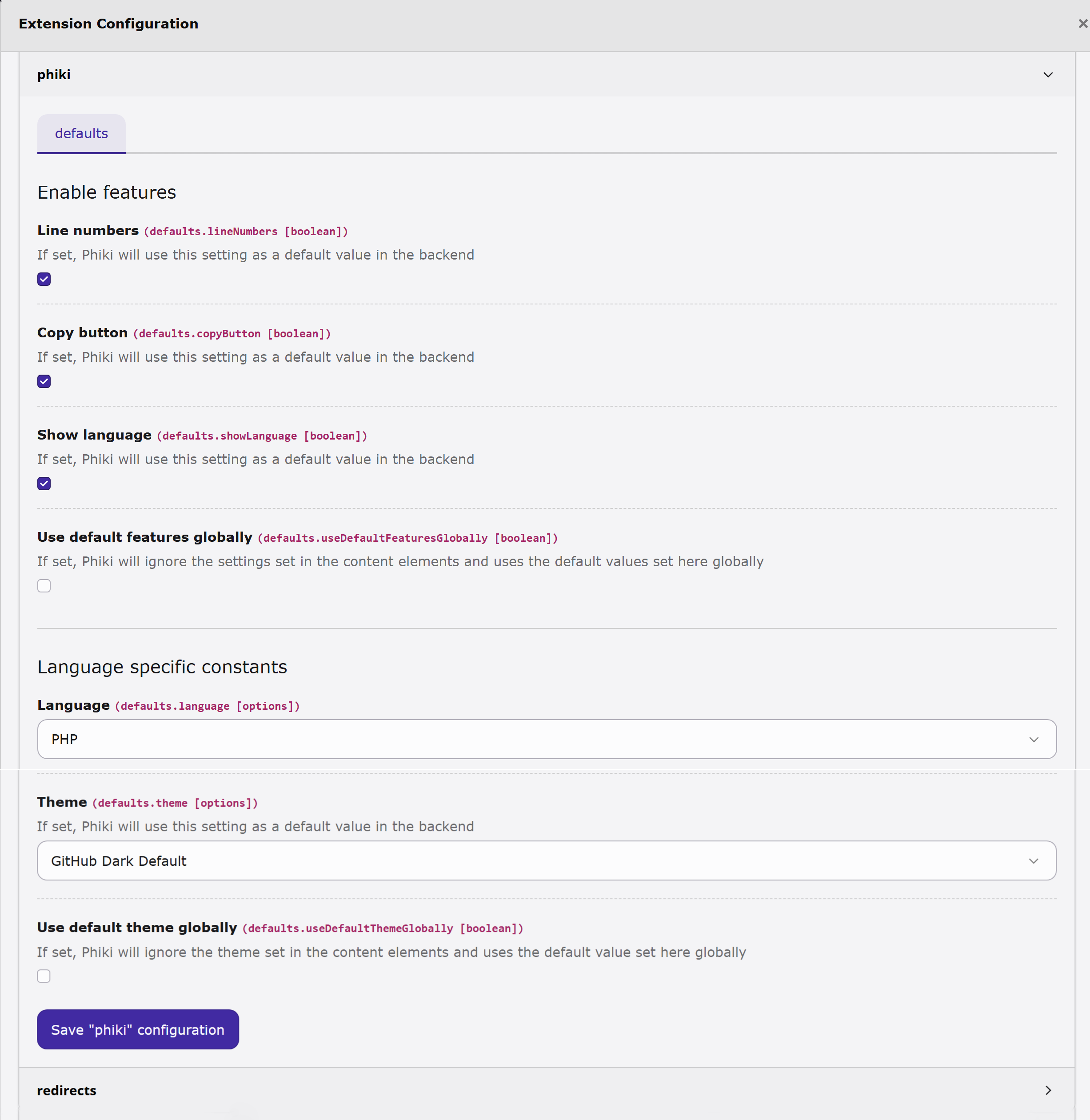
Extension Configuration
Frontend
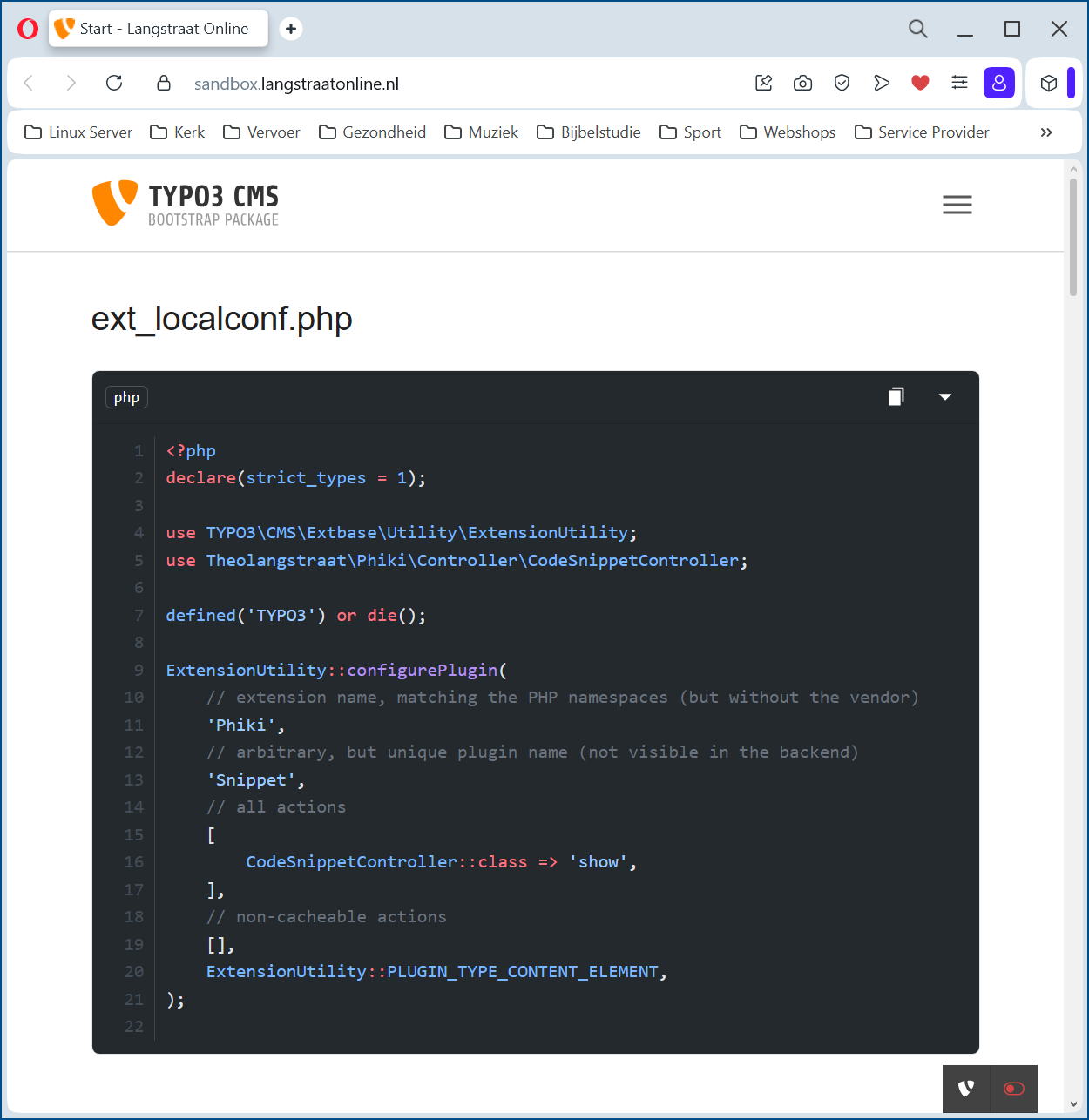
Backend
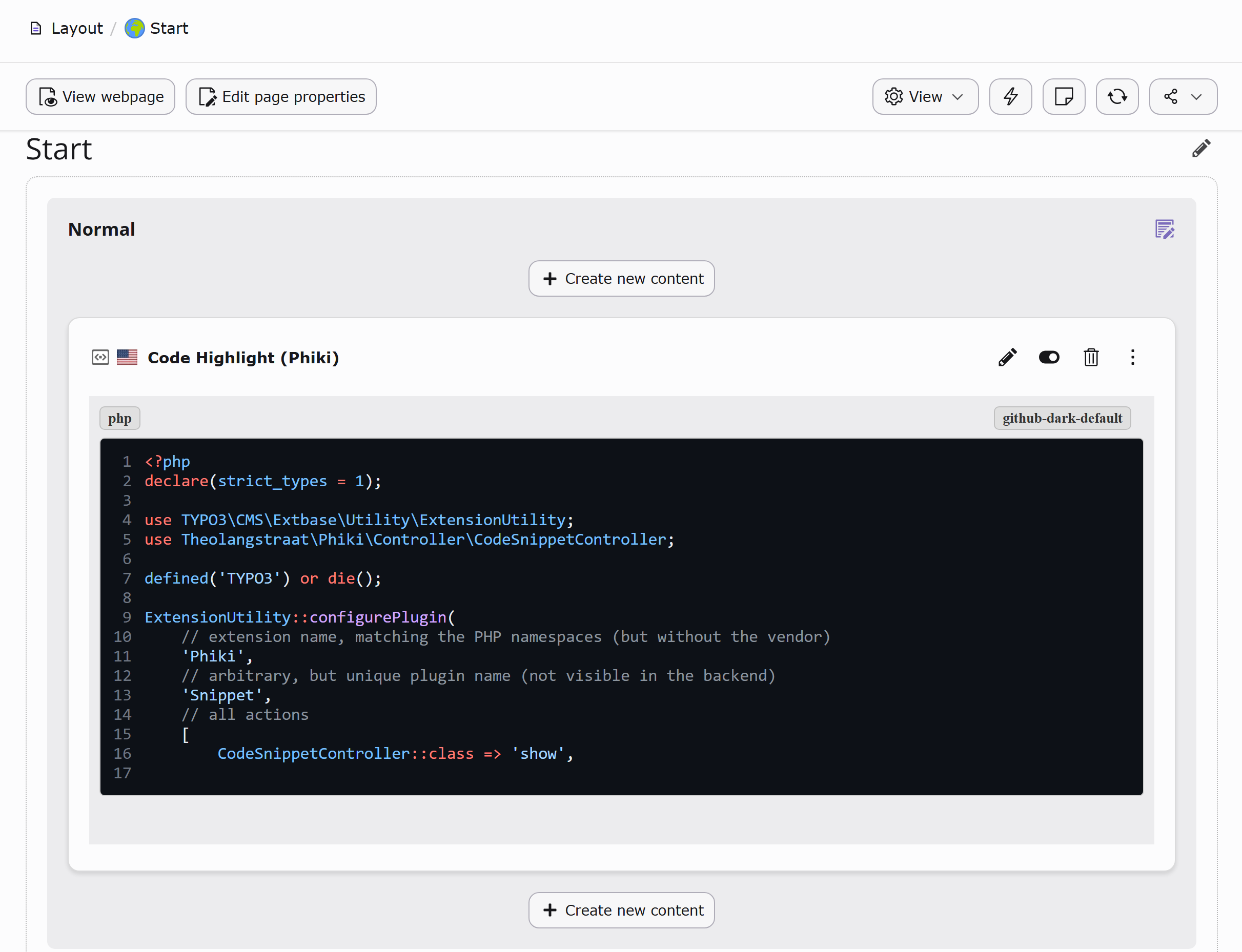
Backend view