
Usage
Create New Content
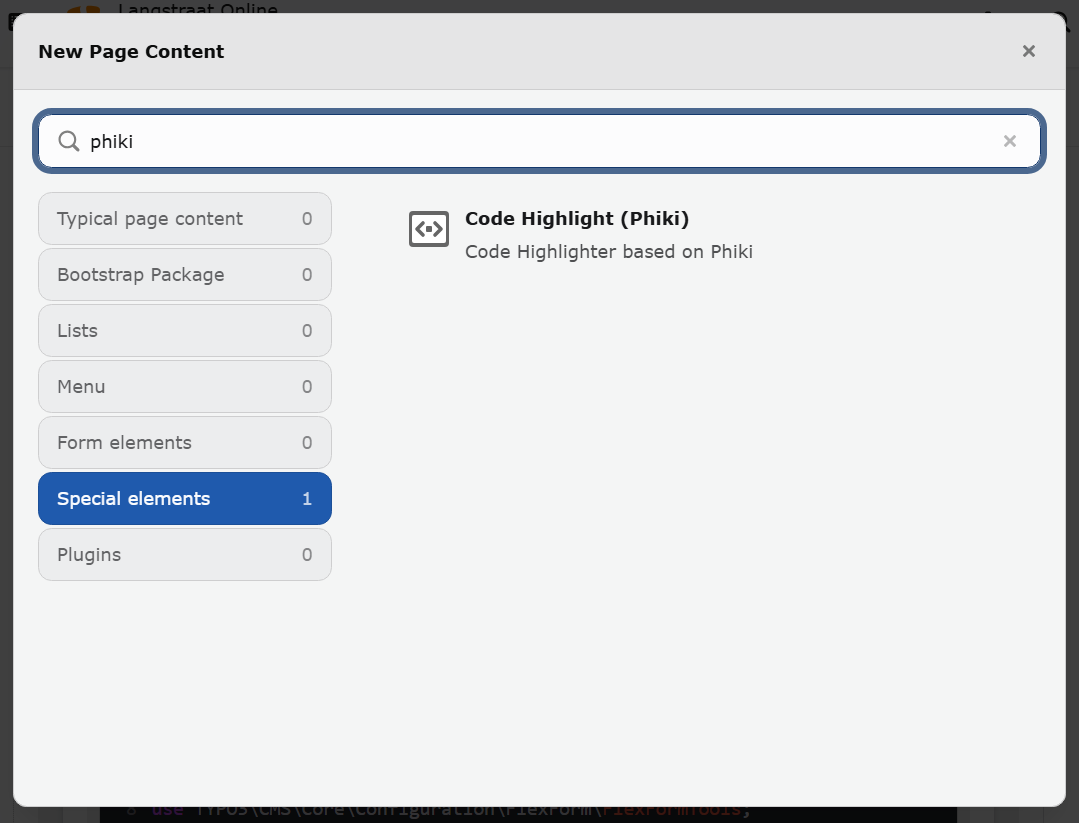
Create New Content
To use the extension, insert the plugin via the content element wizard. Using a headline or any other field is optional.
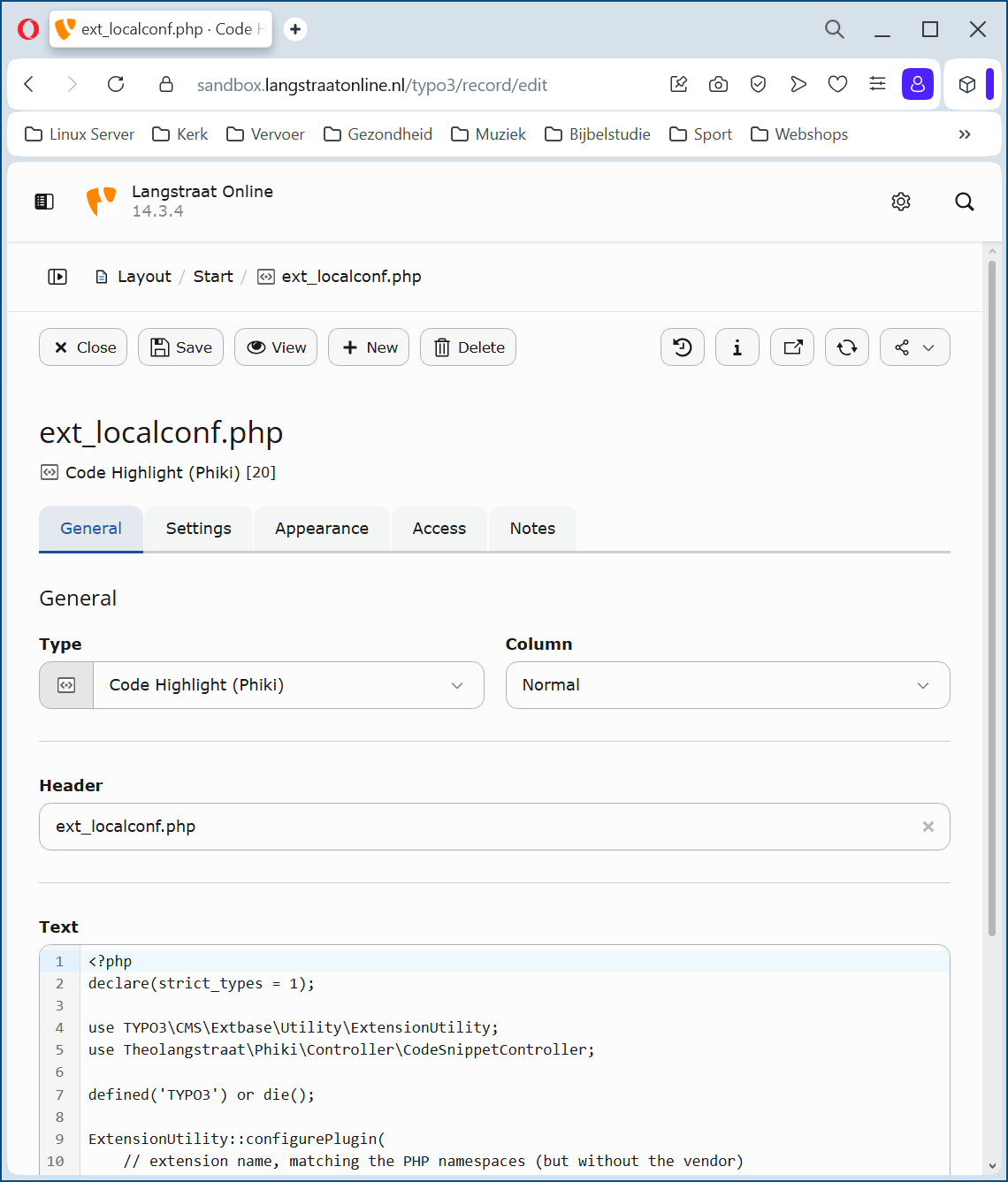
Create New Content – General
Programming languages and themes
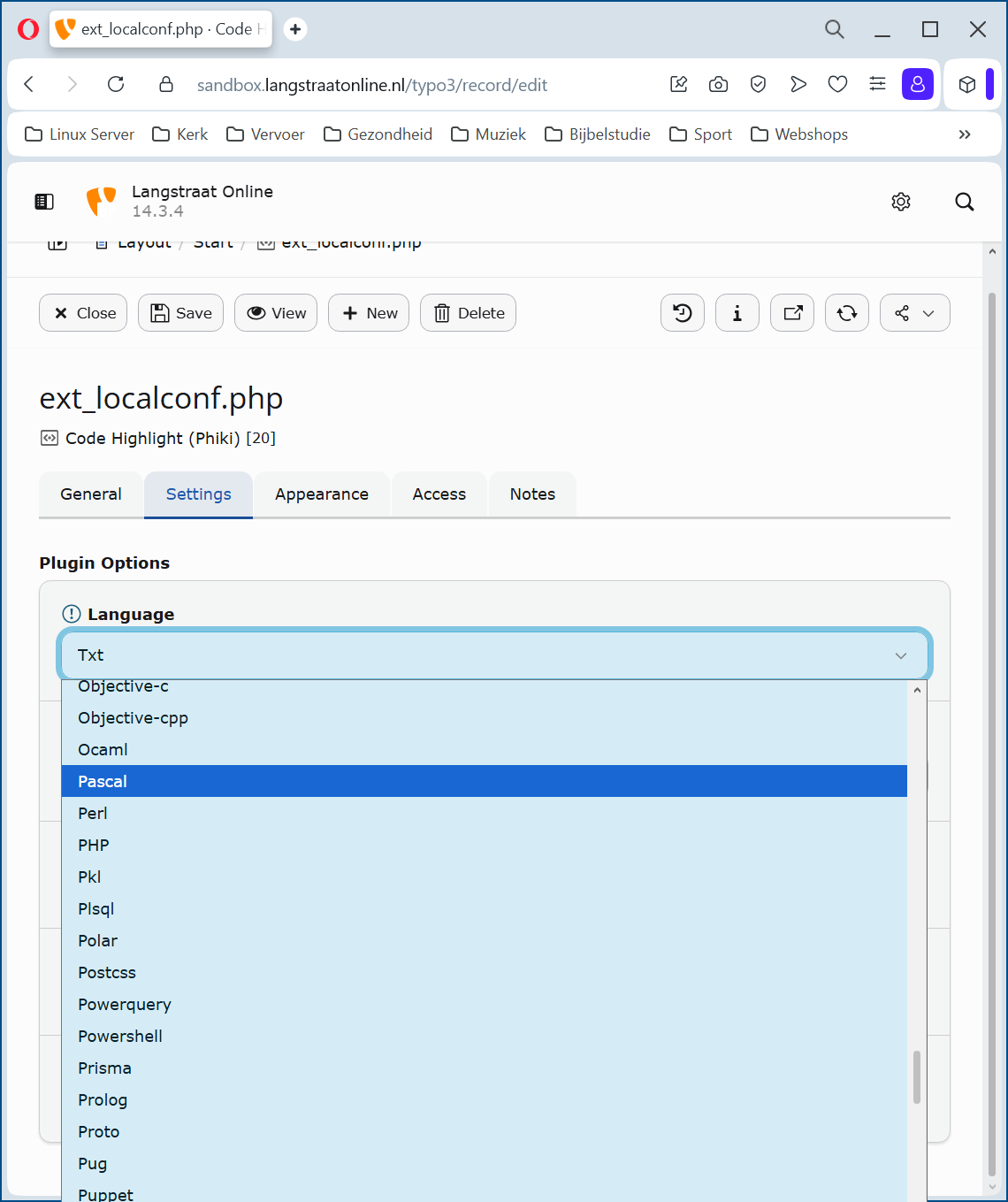
Create New Content – Configuration → Languages
Settings
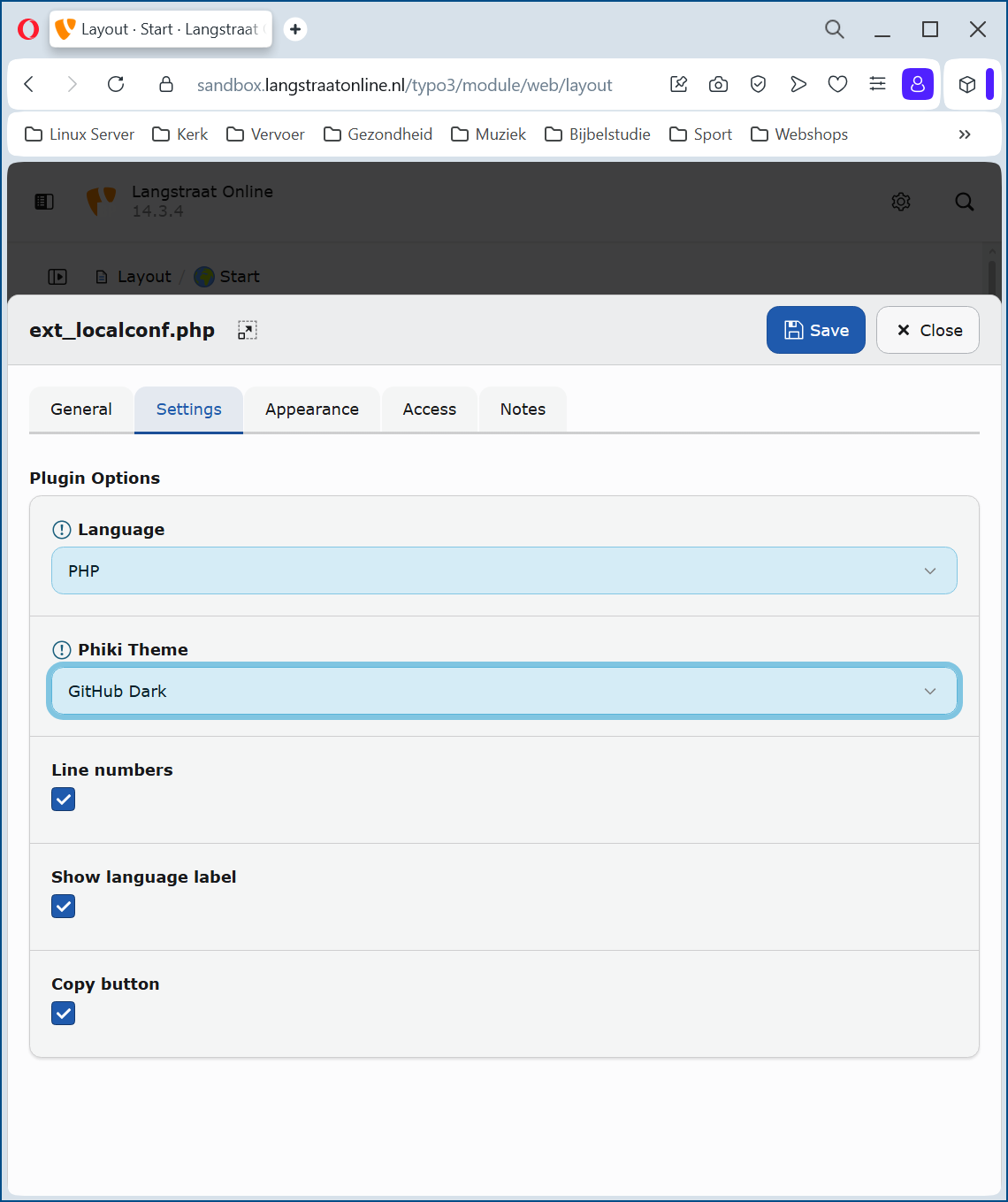
Create New Content – Configuration → Settings
Language: Select the programming language to be highlighted
Phiki Theme: Select the desired theme.
Linenumbers: Adds a linenumber in front of eache line of code.
Show language label: Shows the selected language in the header of the content element.
Copy button: Shows a copy button in the header of the content element.
Frontend
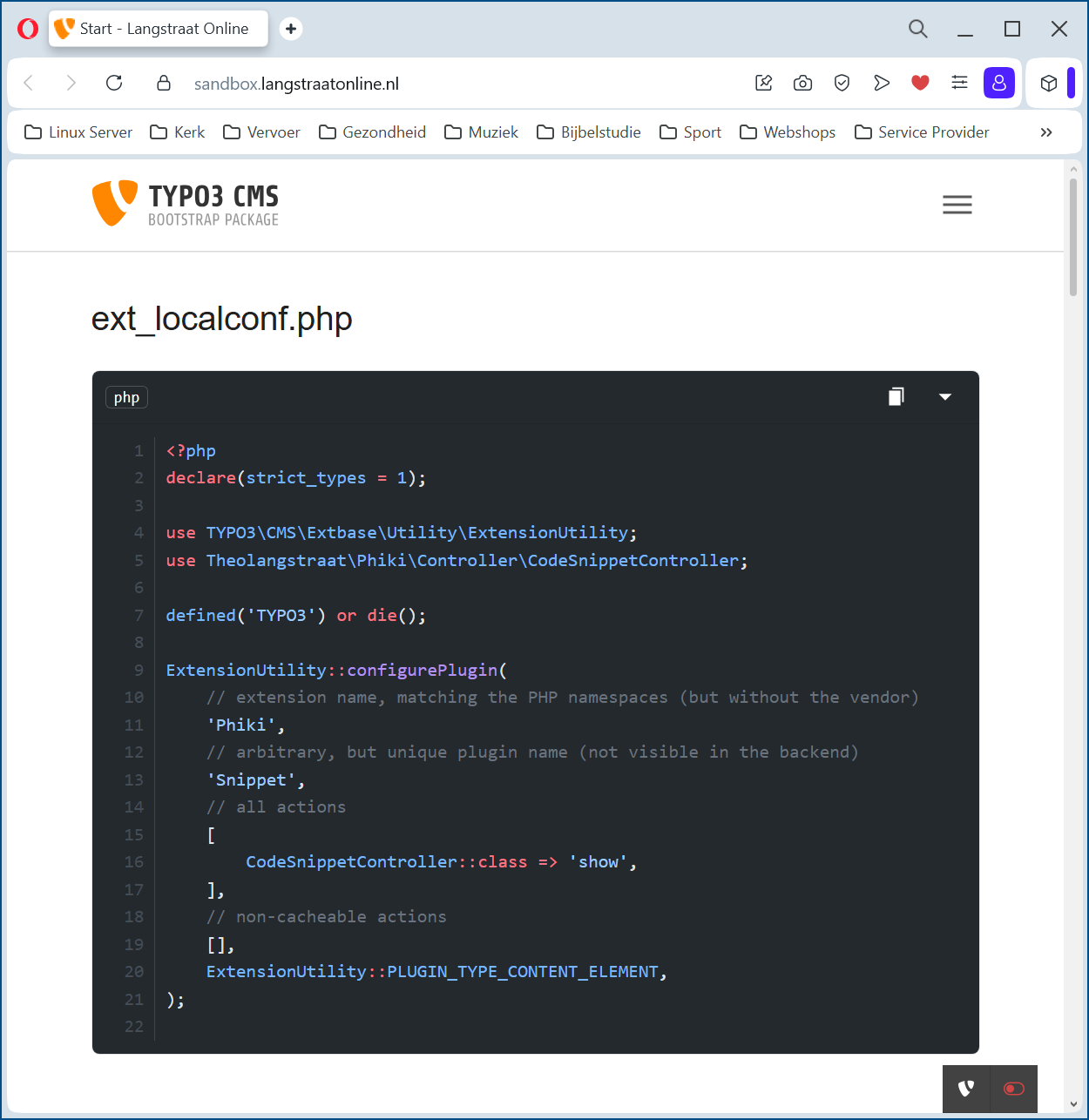
Backend
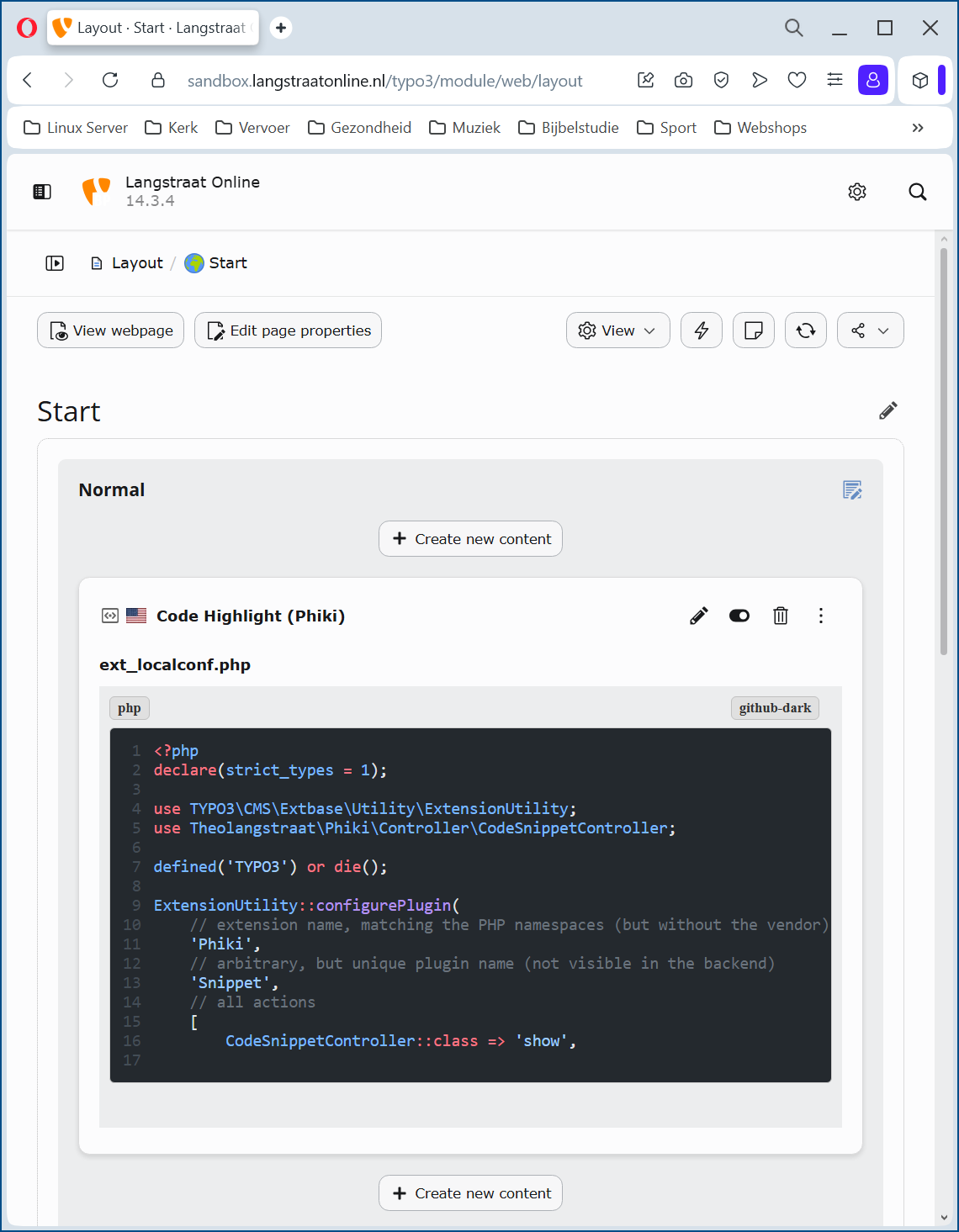
Backend view